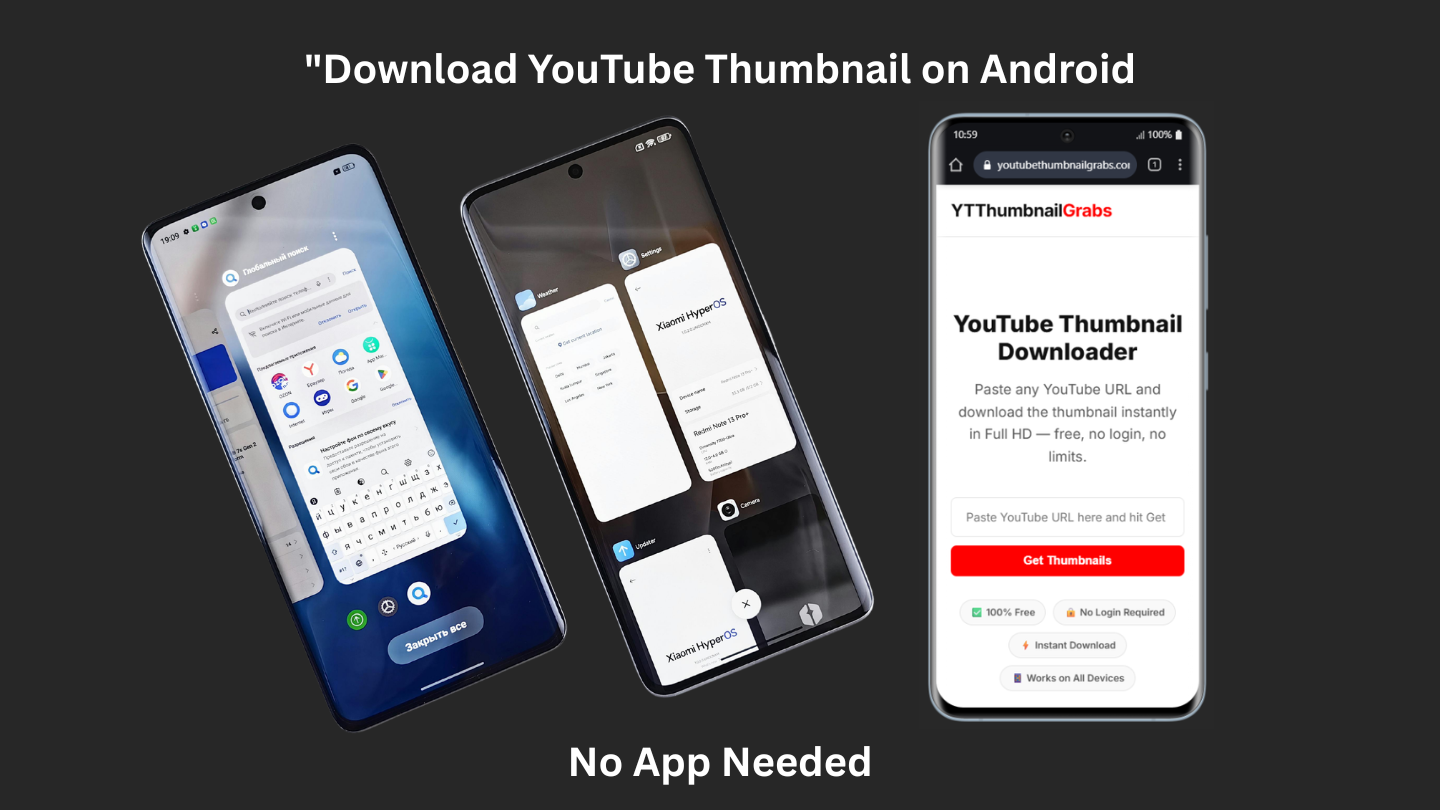
How to Download YouTube Thumbnail on Android (2026)
Looking for a simple way to download YouTube thumbnails on Android? Whether you use a Samsung, Xiaomi, Oppo, Realme, or any other Android phone — this guide will show you exactly how to save any YouTube video thumbnail to your phone gallery in seconds. No app installation needed, completely free.
Why People Download YouTube Thumbnails on Android
Android is the most popular mobile platform in the world, especially in Pakistan, India, and across Asia. Millions of people use Android phones every day to browse YouTube. Content creators download thumbnails to study what works. Students save thumbnails for presentations. Designers collect them for creative references. With YTThumbnailGrabs, Android users can do this instantly from any browser.
Method 1 — YTThumbnailGrabs Browser Method (Best)
This is the easiest and fastest method to download YouTube thumbnails on Android. Here's how:
- Open the YouTube app on your Android phone
- Find the video whose thumbnail you want
- Tap the Share button under the video
- Tap Copy link
- Open Chrome or any browser on your Android
- Go to youtubethumbnailgrabs.com
- Paste the YouTube link in the input box
- Tap Get Thumbnails
- Choose Full HD (1280x720) for best quality
- Tap the green Download Thumbnail button
- Image saves directly to your Downloads folder ✅
Android makes downloading much easier than iPhone — the image downloads automatically to your gallery without any extra steps.
Method 2 — Direct URL Method in Chrome
Advanced users can also access thumbnails directly. Open Chrome on your Android phone and type this URL:
https://img.youtube.com/vi/VIDEO_ID/maxresdefault.jpg
Replace VIDEO_ID with the video's ID (the part after v= in the YouTube URL). Then press and hold the image and tap Download image to save it directly to your gallery.
Works on All Android Brands
Our YouTube thumbnail downloader for Android works perfectly on every Android device including:
- Samsung Galaxy (all models)
- Xiaomi / Redmi / POCO
- Oppo / Realme / OnePlus
- Vivo / iQOO
- Huawei / Honor
- Google Pixel
- Any Android phone running Android 6.0 or later
Where Does the Downloaded Thumbnail Go on Android?
When you download a YouTube thumbnail on Android, it saves to your phone's Downloads folder. You can find it by opening your Files app or Gallery app. On Samsung phones it appears in Gallery under Downloads. On Xiaomi phones it appears in the File Manager under Downloads. The file saves as a .jpg image.
How to Download YouTube Thumbnail in Full HD on Android
Always select the Full HD (1280x720) option when using our tool. This gives you the highest resolution thumbnail available — perfect for printing, presentations, or design work. If Full HD is not available for a video (some older videos don't have it), select the HD (480x360) option instead.
Can I Download YouTube Thumbnails Using the YouTube App Directly?
No — the YouTube app itself does not have a feature to download or save thumbnails. That's exactly why tools like YTThumbnailGrabs exist. Our website fills this gap by letting you download any YouTube thumbnail in high quality directly from your Android browser without needing any third-party app.
Is It Safe to Download YouTube Thumbnails on Android?
Yes, completely safe. YTThumbnailGrabs only accesses publicly available thumbnail images from YouTube's own servers (img.youtube.com). We don't install anything on your phone, don't collect your data, and don't require any permissions. It's just a simple browser tool.
Conclusion
Downloading YouTube thumbnails on Android is quick and easy with the right tool. Just visit YTThumbnailGrabs.com on your Android browser, paste any YouTube URL, and download the thumbnail in HD quality instantly. Works on every Android phone, completely free, no app needed.
Related Resources
- ⬇️ Download YouTube Thumbnails Free — Use Our Tool
- 📱 How to Download YouTube Thumbnail on iPhone
- 📐 YouTube Thumbnail Size Guide 2026
- 🎨 How to Create Clickable YouTube Thumbnails
- 🛠️ Best Free Tools to Design YouTube Thumbnails
- 💡 YouTube Thumbnail Tips to Get More Clicks
- ⚖️ Is It Legal to Download YouTube Thumbnails?
- 📱 YouTube Shorts Thumbnail Guide 2026