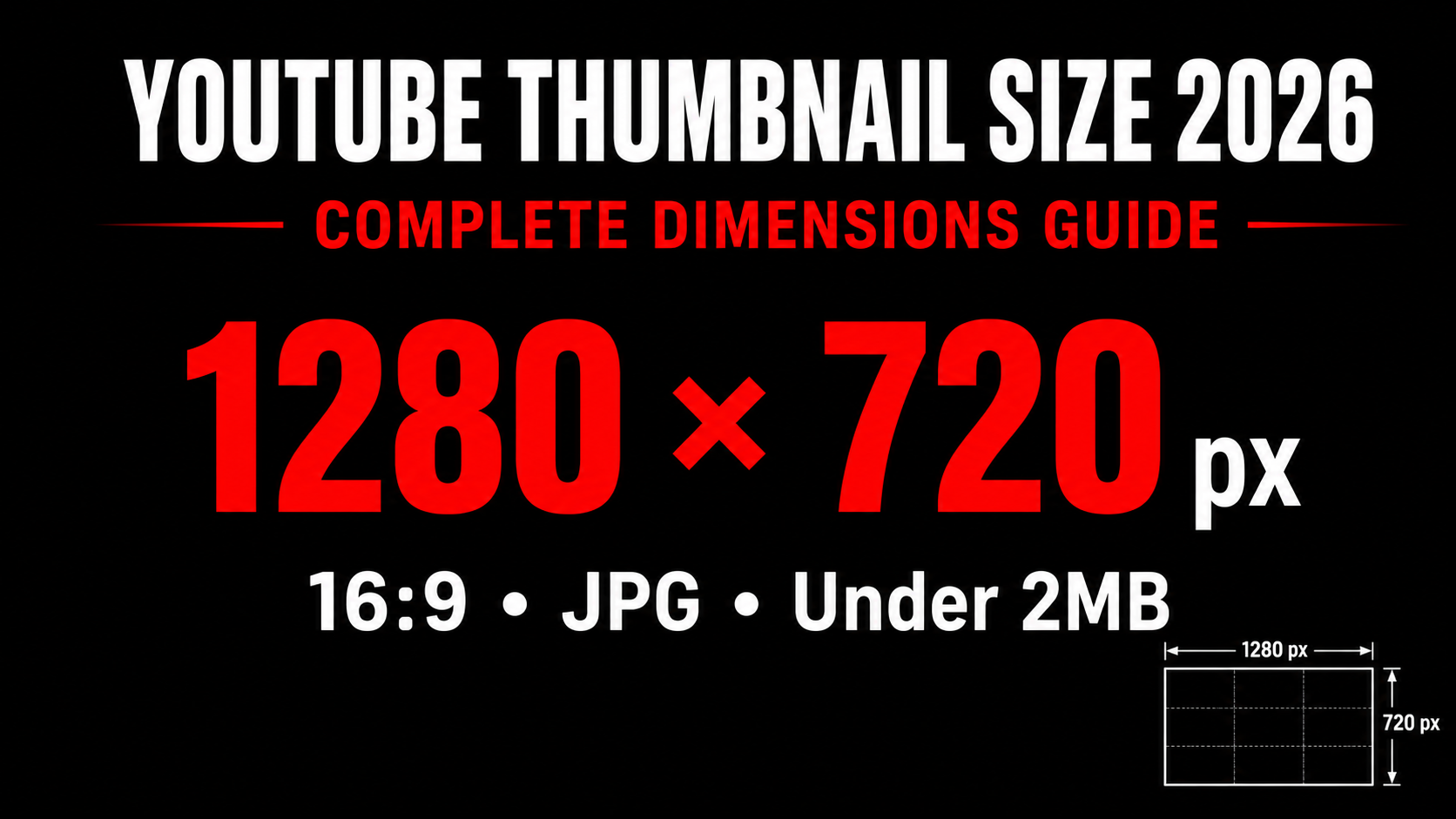
YouTube Thumbnail Size 2026 — The Complete Guide to Perfect Dimensions
Getting your YouTube thumbnail size wrong is one of the easiest mistakes to make and one of the most damaging. The wrong dimensions cause blurriness, bad cropping, and quality loss that makes your video look unprofessional before anyone even clicks. This complete guide gives you the exact size, aspect ratio, file size, and format for every type of YouTube thumbnail in 2026 — plus the free tools to check yours before uploading.
✅ Recommended YouTube Thumbnail Size 2026
Complete YouTube Thumbnail Size Reference Table
| Type | Dimensions | Ratio | Max Size | Format | Status |
|---|---|---|---|---|---|
| Regular Video | 1280 × 720px | 16:9 | 2MB | JPG / PNG | Recommended |
| YouTube Shorts | 1080 × 1920px | 9:16 | 2MB | JPG / PNG | Shorts Only |
| Minimum Accepted | 640 × 360px | 16:9 | 2MB | JPG / PNG | Avoid |
| 4K Optional | 3840 × 2160px | 16:9 | 2MB | JPG | Overkill |
How Your Thumbnail Appears Across YouTube Placements
YouTube displays your thumbnail at very different sizes depending on where it appears. Understanding these sizes helps you design a thumbnail that looks good everywhere — not just on your screen at full size.
Mobile Search Results
The most important placement. Over 75% of YouTube views come from mobile. At this tiny size only bold large text and clear faces are visible. Design for this size first.
Desktop Search Results
Slightly larger than mobile. More detail visible but text still needs to be bold. This placement also shows your channel name below the thumbnail which helps branding.
Sidebar Recommendations
Appears when someone watches another video. Many thumbnails compete here simultaneously. Standing out from the visual noise is critical in this placement.
Homepage Feed
The largest display size your thumbnail gets. More detail is visible here. The homepage feed is where subscribers and new viewers discover your content most.
👁️ Preview Your Thumbnail at Every Size — Free
See exactly how your thumbnail looks in mobile search, desktop, sidebar, and Shorts feed before it goes live.
Preview My Thumbnail →Why 1280×720 is the Right Size
You might wonder why 1280×720 specifically and not a larger resolution like 1920×1080. There are three practical reasons this is the best size for most creators:
It matches YouTube's primary display resolution. YouTube processes and stores thumbnail images optimized for this resolution. Uploading at 1280×720 means no downscaling is needed for the vast majority of placements, which keeps the image sharp and artifact-free.
It keeps file size manageable. A well-exported JPG at 1280×720 and 90% quality typically falls between 200KB and 600KB — well under the 2MB limit. At 1920×1080 the same image often exceeds 1MB and can approach or exceed 2MB, triggering YouTube's automatic compression.
It is the universal HD standard. 1280×720 is exactly 720p HD — the same resolution standard used across web video, streaming, and digital media. Design tools like Canva have this as a preset, making it easy to get right every time.
JPG vs PNG — Which Format to Use
Both JPG and PNG work for YouTube thumbnails but they serve different purposes. Choosing the wrong format is one of the sneakiest causes of poor thumbnail quality.
Use JPG when:
- Your thumbnail contains a photograph or face as the main element
- You have a photographic background with gradients or natural textures
- File size is a concern and you need to stay well under 2MB
- You are exporting at 90% quality or above — JPG at 90% is nearly indistinguishable from PNG visually
Use PNG when:
- Your thumbnail is mostly text, sharp geometric shapes, or logos
- You need perfectly crisp text edges without any softening
- Your design has large areas of flat solid color where JPG would create visible banding
- You need a transparent background for layering purposes (though YouTube shows thumbnails on white anyway)
For most creators most of the time, JPG at 90% quality exported at 1280×720 pixels is the ideal choice — it gives excellent visual quality while guaranteeing a file size well under 2MB.
Step by Step — How to Export the Correct Size
Set up your canvas correctly from the start
In Canva select Custom size and enter 1280 × 720 pixels before you start designing. In Photoshop go to File → New and set width 1280px, height 720px, resolution 72 or 96 DPI, color mode RGB. Never design at a different size and resize at the end — always start at the correct canvas size.
Design with small-size visibility in mind
While designing, zoom out to 25% of actual size in your design tool. This roughly simulates how your thumbnail looks in mobile search results. Make sure all text is readable and the main subject is clearly identifiable at this zoom level.
Export with correct quality settings
In Canva: Share → Download → JPG → drag quality slider to maximum → Download. In Photoshop: File → Export → Export As → JPEG → Quality 90 → Export. Always check the estimated file size shown in the export dialog before clicking download.
Verify file size before uploading
Right-click your exported file → Properties → check that file size is under 2MB. If it is over, switch from PNG to JPG or reduce export quality slightly from 100% to 90%. A well-exported JPG at 1280×720 should typically be 200-600KB.
Preview across all placements
Upload your thumbnail to the YTThumbnailGrabs Preview Tool and check how it looks in mobile search, desktop, sidebar, and Shorts views. Fix any issues you spot before uploading to YouTube.
YouTube Shorts Thumbnail Size — Different Rules Apply
YouTube Shorts uses a completely different thumbnail format from regular videos. The Shorts feed is vertical and displays thumbnails in a 9:16 portrait ratio. If you upload a standard horizontal 16:9 thumbnail for a Short, YouTube will crop the sides to fit — and important content at the edges of your design gets cut off.
For YouTube Shorts use a 1080×1920 pixel image in portrait orientation. Keep all important elements — face, text, main subject — centered within the middle 60% of the frame since slight cropping can occur at the top and bottom edges as well depending on device.
If you must use a horizontal thumbnail for a Short, keep all important content strictly within the center third of the image, since that is the only area guaranteed to appear in the Shorts feed without cropping.
Free Tools to Check and Fix Your Thumbnail Size
Thumbnail Preview Tool
Upload your thumbnail and instantly see how it looks in mobile search, desktop, sidebar, and Shorts feed. Also shows resolution, file size, and quality score automatically.
Use Preview Tool →Thumbnail Downloader
Download any YouTube video thumbnail in Full HD 1280×720 instantly. Use it to study how top creators size and design their thumbnails in your niche.
Download Thumbnails →⬇️ Download Any YouTube Thumbnail in 1280×720 HD
See exactly how top creators design at the correct size. Download any YouTube thumbnail in Full HD free — no login, no limits.
Frequently Asked Questions
📖 Related Guides
- 👁️ Preview Your Thumbnail Before Upload — Free Tool
- ⬇️ Download Any YouTube Thumbnail in HD — Free Tool
- 🎬 YouTube Shorts Thumbnail Size 2026 — Dimensions Guide
- 🔍 Why is My YouTube Thumbnail Blurry? Fix Guide
- 🔧 YouTube Thumbnail Quality Bad? Fix It Now
- 🚀 How to Make a YouTube Thumbnail Go Viral
- ❌ 10 YouTube Thumbnail Mistakes That Kill Your Views