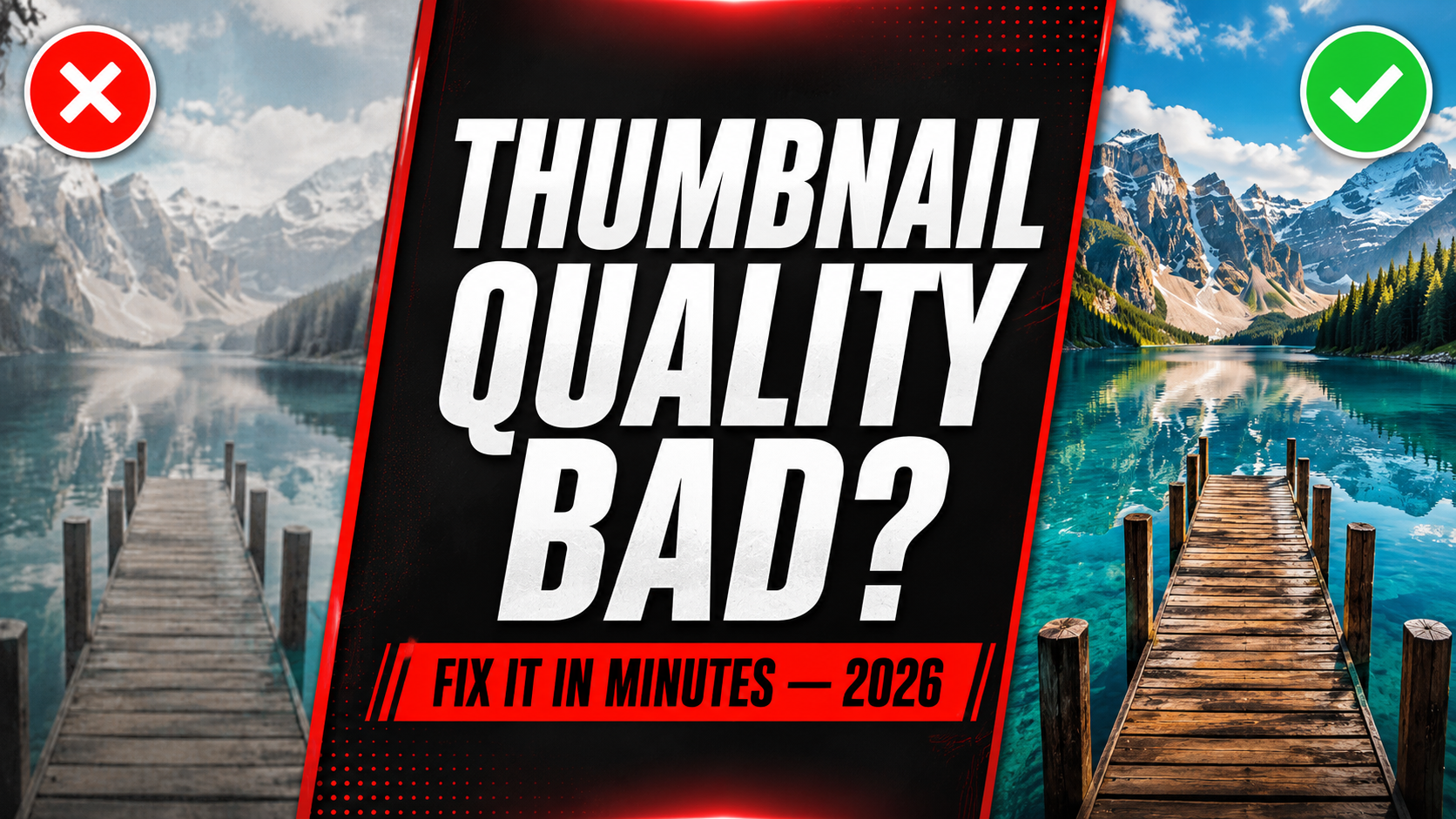
YouTube Thumbnail Quality Bad? Here Is How to Fix It (2026)
You uploaded a thumbnail you were proud of, but on YouTube it looks low quality, soft, or just not as sharp as it should be. This is a more common problem than most creators realize and the cause is almost always fixable in minutes. This guide walks through the exact reasons your YouTube thumbnail quality looks bad and the precise steps to fix it permanently.
5 Reasons Your YouTube Thumbnail Quality Looks Bad
If your original photo or screenshot was smaller than 1280×720 pixels to begin with, no amount of editing can add detail that was never there. Enlarging a small image always results in lower perceived quality because the software has to guess and fill in missing pixels.
Most design tools let you choose an export quality percentage. Many creators do not realize the default setting in some tools is as low as 60-70%, which introduces visible compression artifacts, especially in areas with gradients, shadows, or fine detail.
YouTube has a hard 2MB file size limit for thumbnails. If your exported file exceeds this, YouTube automatically compresses it on their end during upload — and this compression is often more aggressive and lower quality than doing it properly yourself beforehand.
YouTube accepts JPG, PNG, GIF, and BMP for thumbnails. However GIF only captures a single frame and often loses color depth, while BMP files are rarely optimized and can result in unexpectedly poor quality despite a large file size.
Immediately after upload, YouTube needs time to generate and distribute your thumbnail across its global content delivery network. During this short window — usually 5 to 30 minutes — a temporary lower resolution version may display while the full quality version finishes processing.
👁️ Check Your Thumbnail Quality Before Uploading
Our free preview tool automatically analyzes resolution, file size, and quality so you catch problems before they go live.
Check My Thumbnail Free →Correct Export Settings to Avoid Quality Loss
Use these exact settings every time you export a thumbnail to guarantee the best possible quality on YouTube:
Quick Reference — Quality Problem Diagnosis
| Symptom | Likely Cause | Fix |
|---|---|---|
| Soft or washed-out look | Low export quality setting | Re-export at 90%+ quality |
| Visible blocky patterns | File over 2MB, compressed by YouTube | Reduce file size, switch to JPG |
| Looks fine on PC, bad on mobile | Source image below 1280×720 | Start with larger source image |
| Color looks slightly off | Wrong color profile on export | Export with sRGB color profile |
| Quality fine, then degrades after a day | YouTube CDN serving cached low-res version | Hard refresh, wait 30 minutes |
Step by Step — Fix and Re-Upload
Check your source image resolution
Right-click your original image file → Properties → Details. Confirm it is at least 1280×720px. If smaller, find a higher resolution source or retake the photo.
Re-export with correct settings
Open your design in Canva or Photoshop. Export as JPG at 90-100% quality, exactly 1280×720px canvas size.
Verify file size is under 2MB
Right-click the exported file → Properties → check size. If over 2MB, lower JPG quality slightly to 85% or switch from PNG to JPG.
Preview before uploading
Use the YTThumbnailGrabs Preview Tool to confirm quality, resolution, and file size all pass before you upload to YouTube.
Replace the thumbnail in YouTube Studio
Go to YouTube Studio → Content → click your video → Edit → Thumbnail → remove the old one → upload the new file → Save. No need to re-upload the video itself.
⬇️ Download Any YouTube Thumbnail in HD Free
Study competitor thumbnail quality and settings. Download any YouTube thumbnail in Full HD instantly — no login needed.
Frequently Asked Questions
📖 Related Guides
- 🔍 Why is My YouTube Thumbnail Blurry? 6 Real Causes
- 🔧 How to Fix Blurry YouTube Thumbnail — 5 Steps
- 👁️ Preview Your Thumbnail Before Upload — Free Tool
- ⬇️ Download Any YouTube Thumbnail in HD — Free Tool
- ❌ 10 YouTube Thumbnail Mistakes That Kill Your Views
- 🚀 How to Make a YouTube Thumbnail Go Viral
- 🎨 Best YouTube Thumbnail Background Colors 2026