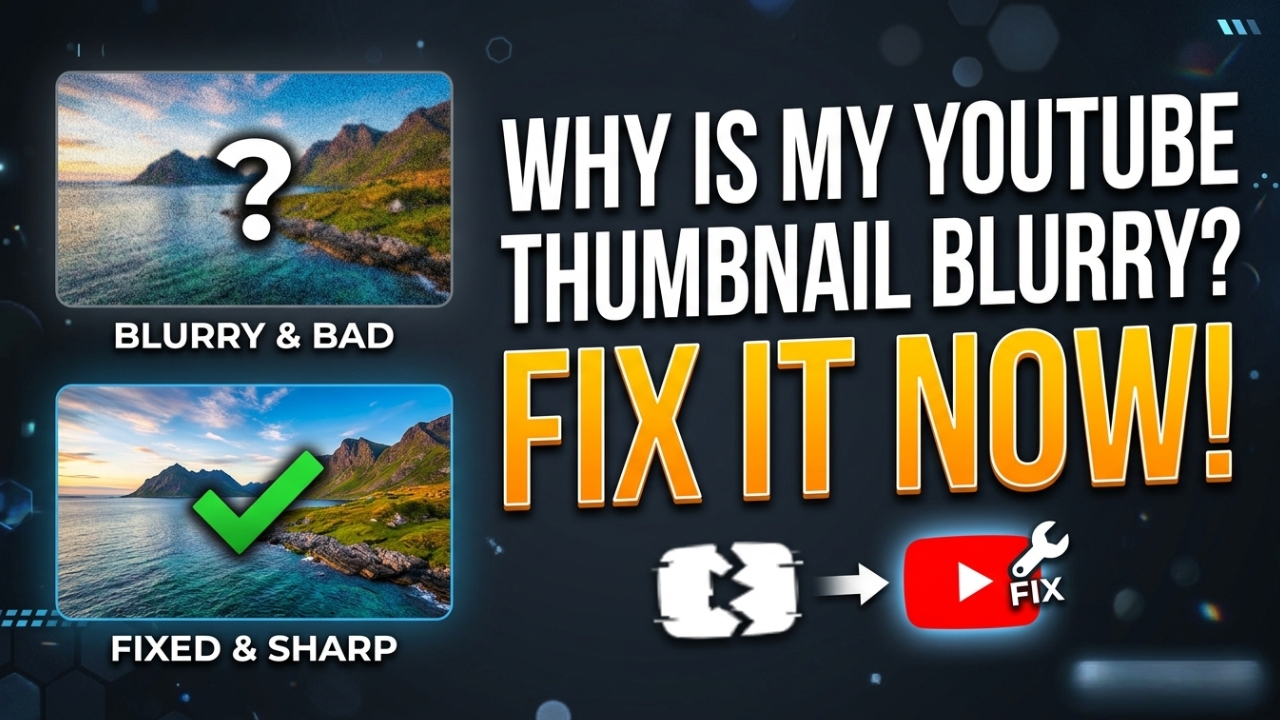
Why is My YouTube Thumbnail Blurry? Fix It Now (2026)
One of the most common complaints from YouTube creators is: "Why is my YouTube thumbnail blurry?" A blurry or pixelated thumbnail can seriously hurt your click-through rate and make your channel look unprofessional. In this guide we'll explain exactly why YouTube thumbnails become blurry and how to fix it permanently in 2026.
Why is Your YouTube Thumbnail Blurry?
There are several reasons why your YouTube thumbnail appears blurry or low quality. Understanding the cause is the first step to fixing it permanently.
Reason 1 — Wrong Image Size
The most common reason for blurry YouTube thumbnails is uploading an image that is too small. YouTube recommends a minimum size of 1280x720 pixels with a 16:9 aspect ratio. If you upload a smaller image, YouTube will stretch it to fit — causing it to look blurry and pixelated.
Fix: Always create your thumbnail at exactly 1280x720 pixels. In Canva, select "YouTube Thumbnail" template which automatically sets the correct size.
Reason 2 — Wrong File Format or Low Quality Export
Exporting your thumbnail in the wrong format or at low quality settings will result in a blurry image. YouTube accepts JPG, PNG, GIF, and BMP formats. However, exporting as a highly compressed JPG with low quality settings will make your thumbnail look terrible.
Fix: Export your thumbnail as PNG for best quality, or as JPG at 90-100% quality. Never use quality settings below 80%. The file size should be under 2MB.
Reason 3 — YouTube Processing Takes Time
When you first upload a thumbnail, YouTube processes it on their servers. During this processing period (which can take anywhere from a few minutes to a few hours), your thumbnail may appear blurry or low resolution. This is completely normal and temporary.
Fix: Simply wait 1-2 hours after uploading and check again. The thumbnail will automatically update to full quality once YouTube finishes processing.
Reason 4 — Slow Internet Connection
YouTube automatically serves lower quality thumbnails to users on slow internet connections to save bandwidth. If your connection is slow, thumbnails will appear blurry. This is a YouTube optimization feature, not a problem with your actual thumbnail file.
Fix: Check your thumbnail on a fast WiFi connection. If it looks clear on fast internet but blurry on mobile data, the issue is connection speed — not your thumbnail quality.
Reason 5 — Too Much Text or Small Elements
Even if your thumbnail file is high resolution, adding too much small text or tiny details can make it look blurry when displayed at smaller sizes (like in search results or the sidebar). YouTube displays thumbnails at many different sizes across its platform.
Fix: Keep your thumbnail design simple. Use large bold text (minimum 60pt font), limit text to 3-6 words, and use high contrast colors. Always preview your thumbnail at thumbnail size (not full screen) before uploading.
How to Download a High Quality Version of Any YouTube Thumbnail
If you want to check the actual quality of any YouTube video's thumbnail, you can use our free tool to download it in its highest available resolution. This lets you see exactly what quality YouTube is serving for that video.
- Go to youtubethumbnailgrabs.com
- Paste the YouTube video URL
- Click Get Thumbnails
- Download the Full HD version
- Compare it to your original design file
Best Settings to Avoid Blurry YouTube Thumbnails
- Size: 1280 x 720 pixels
- Aspect ratio: 16:9
- Format: PNG or JPG
- Quality: 90-100%
- Max file size: 2MB
- Color mode: RGB (not CMYK)
- Minimum font size: 60pt for any text
Conclusion
A blurry YouTube thumbnail is almost always caused by wrong image size, poor export quality, or slow internet. Follow the settings above and your thumbnails will always look crisp and professional. Need to check the quality of an existing thumbnail? Use our free tool at YTThumbnailGrabs.com to download any YouTube thumbnail in its highest available quality instantly.
Related Resources
- ⬇️ Download YouTube Thumbnails Free — Use Our Tool
- 📐 YouTube Thumbnail Size Guide 2026
- 🎨 How to Create Clickable YouTube Thumbnails
- 🛠️ Best Free Tools to Design YouTube Thumbnails
- 💡 YouTube Thumbnail Tips to Get More Clicks
- 📱 How to Download YouTube Thumbnail on iPhone
- 🤖 How to Download YouTube Thumbnail on Android