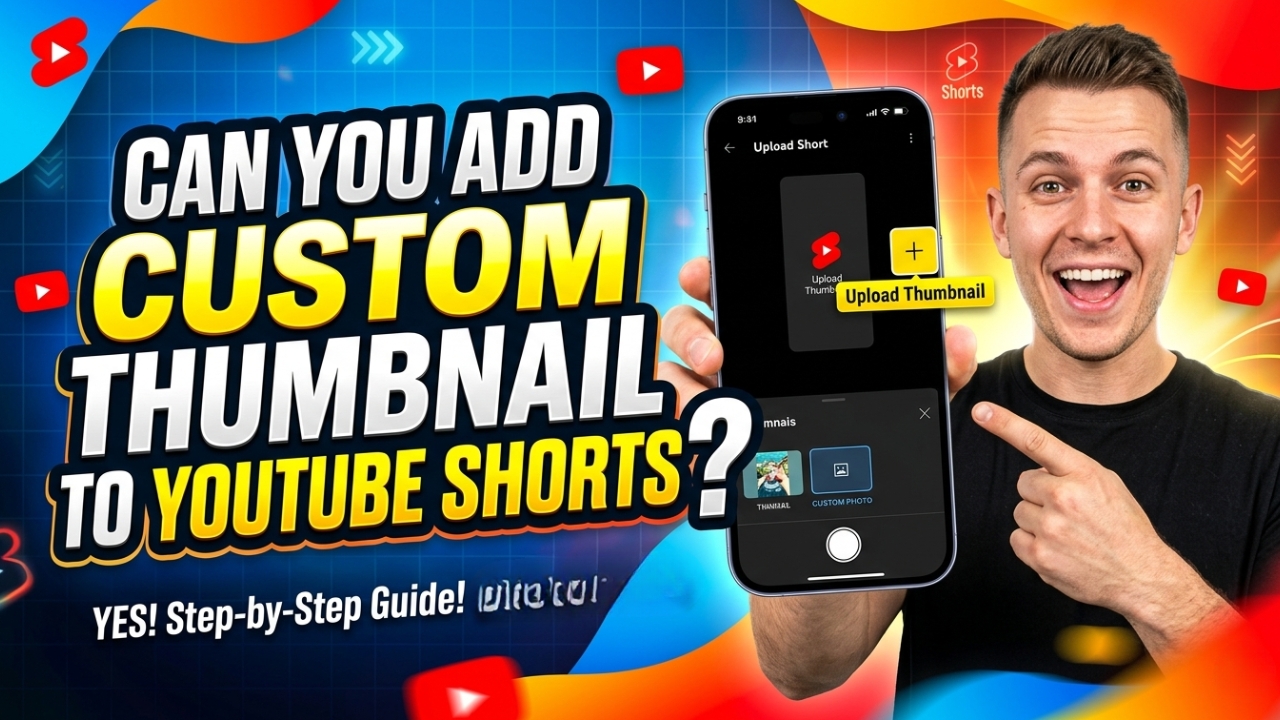
Can You Upload a Custom Thumbnail for YouTube Shorts in 2026?
Yes — you can absolutely upload a custom thumbnail for YouTube Shorts in 2026! This is one of the most searched questions by Shorts creators and the answer has changed significantly over the past year. In this complete guide we will show you exactly how to add a custom thumbnail to your YouTube Shorts on both mobile and desktop, step by step.
Can You Upload a Custom Thumbnail for YouTube Shorts?
Yes! YouTube officially added the ability to upload custom thumbnails for Shorts in 2024 and the feature is fully available in 2026. Previously YouTube only let you select a frame from your video as the Shorts thumbnail. Now you can upload any custom image you want as your YouTube Shorts thumbnail — just like regular YouTube videos.
This is great news for creators because a well-designed custom thumbnail can significantly increase your Shorts views and subscriber count.
How to Add Custom Thumbnail to YouTube Shorts on Mobile (2026)
Follow these exact steps to upload a custom thumbnail for your YouTube Short on Android or iPhone:
- Open the YouTube app on your phone
- Tap the + Create button at the bottom
- Select Upload a video or record a new Short
- After selecting your video tap Next
- On the details screen look for Select thumbnail
- Tap Custom thumbnail option
- Choose your custom image from your phone gallery
- Crop and adjust as needed
- Tap Done
- Fill in title, description, then tap Upload Short ✅
Your custom thumbnail will now appear on your Short in search results, the Shorts feed, and your channel page.
How to Add Custom Thumbnail to YouTube Shorts on Desktop (2026)
If you prefer using a computer to manage your YouTube Shorts, here is how to add a custom thumbnail through YouTube Studio:
- Go to studio.youtube.com on your computer
- Click Content in the left menu
- Find your Short in the video list
- Click the pencil/edit icon next to it
- On the right side find the Thumbnail section
- Click Upload thumbnail
- Select your custom image from your computer
- Click Save in the top right corner ✅
How to Change Thumbnail on an Existing YouTube Short
Already uploaded a Short but want to change its thumbnail? No problem! You can edit the thumbnail of any existing YouTube Short:
- Go to YouTube Studio (studio.youtube.com)
- Click Content in the left sidebar
- Find the Short you want to edit
- Click the Edit (pencil) icon
- Find Thumbnail on the right side
- Click the existing thumbnail to change it
- Upload your new custom thumbnail image
- Click Save ✅
Changes usually take effect within a few minutes to a few hours.
Best Size for YouTube Shorts Custom Thumbnail
Since YouTube Shorts are vertical videos the ideal thumbnail size is different from regular YouTube videos:
- Recommended size: 1080 x 1920 pixels (9:16 vertical)
- Also accepted: 1280 x 720 pixels (16:9 horizontal)
- File format: JPG or PNG
- Maximum file size: 2MB
- Minimum width: 640 pixels
For the best results use the vertical 1080x1920 format. This fills the entire Shorts player without any cropping or black bars.
Tips for Creating the Perfect YouTube Shorts Thumbnail
- Use vertical format — design for 9:16 ratio not 16:9
- Bold text at top — keep text in the upper half of the image
- Bright colors — yellow, red, and orange perform best
- Show a face — thumbnails with human faces get more clicks
- Keep it simple — maximum 5-6 words of text
- High contrast — make sure text is readable at small size
Why Your YouTube Shorts Thumbnail Might Not Show
Sometimes after uploading a custom thumbnail for your Short it might not appear immediately. Here are the common reasons:
- Processing time — YouTube takes 10-30 minutes to update thumbnails
- Cache issue — clear your browser cache and refresh
- Wrong format — make sure you used JPG or PNG
- File too large — must be under 2MB
- Account not verified — you need a verified YouTube account to use custom thumbnails
How to Download Any YouTube Shorts Thumbnail
Want to download the thumbnail from any YouTube Short for inspiration or reference? Our free tool makes it incredibly easy. Just paste any YouTube Shorts URL and download the thumbnail instantly in high quality.
- Copy the YouTube Shorts URL (youtube.com/shorts/VIDEO_ID)
- Go to YTThumbnailGrabs.com
- Paste the URL in the input box
- Click Get Thumbnails
- Download in your preferred size ✅
Frequently Asked Questions
Do I need a verified account to add custom thumbnails to Shorts?
Yes. Your YouTube account needs to be verified with a phone number to unlock the custom thumbnail feature. Go to youtube.com/verify to verify your account for free.
Can I use the same thumbnail for Shorts and regular videos?
Technically yes, but it is not recommended. Regular video thumbnails are 16:9 (horizontal) while Shorts thumbnails look best in 9:16 (vertical). Using a horizontal thumbnail on a Short will result in black bars or cropping.
Does the custom thumbnail affect YouTube Shorts views?
Yes significantly! A well-designed custom thumbnail can increase your Shorts click-through rate by 20-40%. While Shorts are primarily discovered through the Shorts feed (where thumbnails are less visible), they also appear in search results and on your channel page where thumbnails matter a lot.
Conclusion
Yes — you can absolutely upload a custom thumbnail for YouTube Shorts in 2026! The feature is available on both mobile and desktop through YouTube Studio. Use vertical 1080x1920 format for best results, keep your design bold and simple, and always use bright contrasting colors. Want to download any YouTube Shorts thumbnail for inspiration? Use our completely free tool at YTThumbnailGrabs.com — no login required, works instantly on all devices.
Related Resources
- ⬇️ Download YouTube Thumbnails Free — Use Our Tool
- 📱 YouTube Shorts Thumbnail Complete Guide 2026
- 📐 YouTube Thumbnail Size Guide 2026
- 🎨 How to Create Clickable YouTube Thumbnails
- 🎨 Best YouTube Thumbnail Background Colors
- 🔍 Why is My YouTube Thumbnail Blurry?
- 📱 How to Download YouTube Thumbnail on iPhone
- 🤖 How to Download YouTube Thumbnail on Android