YouTube Thumbnail Size Guide 2026 — Exact Pixels, Ratio & File Size
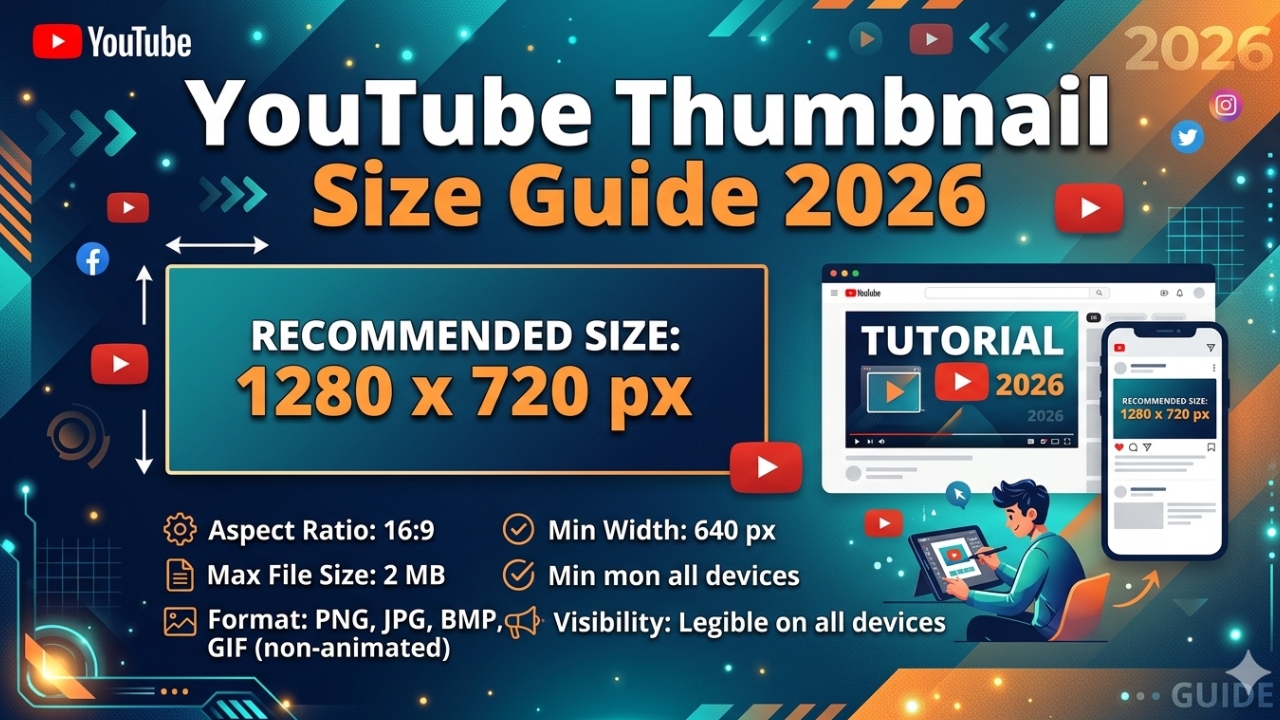
Getting the YouTube thumbnail size exactly right in 2026 is crucial for making your videos look professional and avoiding blurry or cropped thumbnails. Whether you are creating thumbnails for regular YouTube videos or YouTube Shorts the dimensions matter enormously. This complete guide covers every YouTube thumbnail specification for 2026 including exact pixel dimensions, aspect ratio, file size limits, format requirements, and pro tips for maximum quality.
YouTube Thumbnail Size 2026 — Quick Reference
Here are the official YouTube thumbnail specifications for 2026:
- Recommended size: 1280 x 720 pixels
- Aspect ratio: 16:9 (widescreen)
- Minimum width: 640 pixels
- Maximum file size: 2MB
- Accepted formats: JPG, PNG, GIF, BMP
- Best format: JPG at 90-100% quality or PNG
- Color mode: RGB (not CMYK)
New in 2026 — 1920x1080 Thumbnail Standard
While 1280x720 remains the official YouTube requirement many top creators in 2026 are now uploading thumbnails at 1920x1080 pixels. This is because more viewers are watching YouTube on 4K TVs and high-resolution monitors where the standard 1280x720 thumbnail can appear slightly soft.
The 1920x1080 size maintains the same 16:9 aspect ratio and is fully compatible with YouTube. Just make sure your file stays under 2MB — use JPG at 85% quality to keep the size manageable at this higher resolution.
YouTube Thumbnail Aspect Ratio Explained
The 16:9 aspect ratio means the thumbnail is 16 units wide for every 9 units tall. This matches the standard widescreen format used for all YouTube videos. Here are common 16:9 sizes:
- 1920 x 1080 pixels (Full HD — best for 2026)
- 1280 x 720 pixels (HD — official YouTube standard)
- 854 x 480 pixels (SD — minimum acceptable)
- 640 x 360 pixels (minimum — poor quality, avoid)
YouTube Thumbnail File Size — How to Stay Under 2MB
The 2MB file size limit is strictly enforced by YouTube. If your thumbnail file is larger than 2MB the upload will fail. Here is how to keep your thumbnail under 2MB while maintaining high quality:
- Use JPG format at 85-95% quality setting — best balance of quality and file size
- Use PNG only for simple graphics with flat colors — PNG can be huge for photos
- Avoid GIF — much larger file size than JPG or PNG
- Use Canva → Download → JPG → Quality 85% — usually results in 200-500KB
- Compress with TinyPNG — free online tool that reduces file size without visible quality loss
YouTube Thumbnail Size for Different Devices
Your thumbnail appears at many different sizes across YouTube's platform. Here is how it looks on each device:
- Mobile search results — approximately 120x68px (very small)
- Mobile homepage feed — approximately 360x202px
- Desktop search results — approximately 246x138px
- Desktop watch page (related videos) — approximately 168x94px
- 4K TV display — up to 480x270px
This is why designing for mobile first matters so much — your thumbnail must look great at as small as 120x68 pixels on a mobile search result.
How to Create the Perfect YouTube Thumbnail Size in Canva
- Go to canva.com and sign in
- Click Create a design
- Search for "YouTube Thumbnail" — Canva auto-sets 1280x720
- Or click Custom size → enter 1280 width, 720 height, px unit
- Design your thumbnail in this canvas
- Click Share → Download
- Select JPG format
- Set quality to 85-100%
- Download and check file size is under 2MB ✅
YouTube Thumbnail Size vs YouTube Shorts Thumbnail Size
Regular YouTube videos and YouTube Shorts require completely different thumbnail sizes:
- Regular YouTube video: 1280x720px — 16:9 horizontal
- YouTube Shorts: 1080x1920px — 9:16 vertical
Never use a horizontal thumbnail for Shorts or a vertical thumbnail for regular videos. YouTube will crop or add black bars which makes your thumbnail look unprofessional.
How to Check the Size of Any YouTube Thumbnail
Want to check what size and quality YouTube is using for any video's thumbnail? Download it instantly using our free tool and inspect it on your computer:
- Go to YTThumbnailGrabs.com
- Paste any YouTube video URL
- Click Get Thumbnails
- Download the Full HD version
- Right-click the downloaded image → Properties → Details
- You can see the exact pixel dimensions and file size ✅
Common YouTube Thumbnail Size Mistakes to Avoid
- ❌ Uploading thumbnails smaller than 640px wide
- ❌ Using 4:3 ratio instead of 16:9
- ❌ File size over 2MB (upload fails)
- ❌ Using CMYK color mode (looks washed out on screens)
- ❌ Stretching a small image to 1280x720 (causes blurriness)
- ❌ Using vertical 9:16 format for regular videos
- ❌ Saving PNG files that are too large
Conclusion
The perfect YouTube thumbnail size in 2026 is 1280x720 pixels with a 16:9 aspect ratio, JPG or PNG format, under 2MB file size. For best results on 4K screens consider upgrading to 1920x1080. Always design from scratch at the correct size — never stretch a small image. Want to check what size any YouTube thumbnail is? Download it free at YTThumbnailGrabs.com and inspect it on your device instantly.