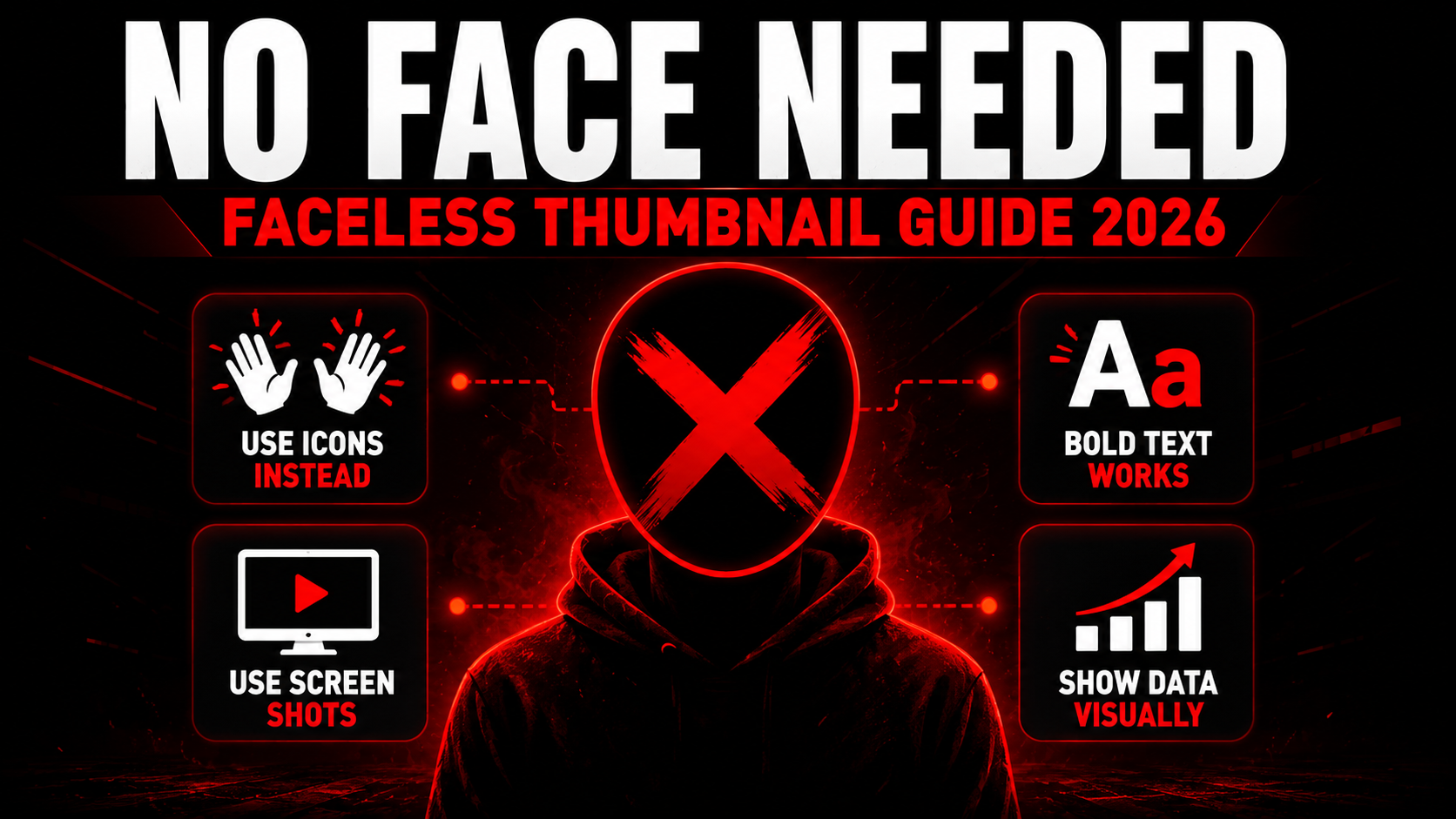
How to Make a YouTube Thumbnail Without Showing Your Face (2026)
Not every successful YouTuber wants to be on camera — and the good news is you do not need to be. Some of the biggest channels in finance, tech, gaming, and true crime get millions of views with thumbnails that never show a human face. This guide breaks down exactly how to design high-click thumbnails when you want to stay anonymous or simply prefer not to appear on screen.
5 Techniques That Work Without a Face
Hands Performing an Action
A close-up shot of hands doing something — typing, holding money, building something, pointing at a screen — creates a sense of action and process without revealing identity. Hands are highly relatable since every viewer has hands themselves, making this technique feel personal even while remaining anonymous.
Bold Typography as the Hero Element
When there is no face to draw the eye, oversized bold text becomes the main visual anchor. This works especially well in finance and educational niches where a striking number or claim — like a specific dollar amount or percentage — instantly communicates value at a glance.
Before and After Split Comparisons
A split-screen layout showing a clear transformation creates instant curiosity without needing any face at all. The visual contrast itself does the emotional work that a shocked expression would normally do — viewers want to understand how the change happened.
Screen Recordings and UI Close-ups
A zoomed-in screenshot of an interesting interface, dashboard, error message, or result screen works extremely well for tech, gaming, and software content. The unusual or intriguing visual on screen creates its own curiosity hook entirely separate from any human element.
Silhouettes and Anonymous Figures
A silhouette of a person — backlit, in shadow, or from behind — suggests human presence and narrative without revealing identity. This technique is especially popular in true crime, mystery, and storytelling channels where anonymity adds to the dramatic tone.
👁️ Preview Your Faceless Thumbnail Before Upload
Check exactly how your design looks in mobile search, desktop, sidebar, and Shorts feed — completely free.
Preview My Thumbnail →How Different Faceless Niches Approach Thumbnails
How to Replace the Emotional Impact of a Face
The reason faces work so well in thumbnails is that the brain processes emotion almost instantly. The good news is other visual elements can trigger similar fast emotional reactions when designed correctly.
A dramatic before-and-after creates curiosity in the same way a shocked face would. A specific large number creates the same sense of stakes that an excited expression communicates. A striking color contrast or unusual visual can stop a scroll just as effectively as an extreme facial expression. The key principle is the same regardless of approach — your thumbnail needs to create an emotional or curiosity-driven reaction within the first half second of viewing.
Faceless thumbnails that fail usually do so not because they lack a face, but because they lack any strong visual hook at all — a plain photo with plain text and no clear point of interest. The fix is the same whether or not you show your face: give the eye something specific and compelling to land on immediately.
Step by Step — Design a Faceless Thumbnail
Choose your visual substitute
Pick one of the 5 techniques above based on your niche — hands, typography, before/after, screen close-up, or silhouette. Commit to one clear approach rather than mixing several.
Set your canvas to 1280×720px
Open Canva, select Custom size, enter exactly 1280×720 pixels. This is the standard YouTube thumbnail resolution that ensures sharp display across all placements.
Use a high-quality source image
Whether it is a product photo, a hand shot, or a screen capture, make sure the source image is sharp and well-lit at full resolution. A blurry or low-quality source image undermines even a great concept.
Add bold text that adds new information
Keep text under 5 words, large and bold. Since there is no face to anchor attention, your text often becomes the primary focal point — make it count with high contrast and a clear hook.
Apply consistent branding
Use the same 1-2 colors, the same font, and a similar layout style across every thumbnail. This builds recognition over time so viewers can identify your channel even without ever seeing a face attached to it.
Export and preview before uploading
Export as JPG at 90% quality, under 2MB. Use the YTThumbnailGrabs Preview Tool to check how your design looks across mobile search, desktop, sidebar, and Shorts feed before going live.
Common Mistakes in Faceless Thumbnail Design
- Using generic stock photos that feel staged — viewers can usually tell when an image is obviously stock photography, which reduces trust. Use authentic-feeling photos or original screen captures whenever possible.
- Overcrowding the design to compensate for no face — adding extra graphics or multiple text blocks to fill space usually backfires. Simplicity still wins even without a face as the anchor.
- Inconsistent style across videos — without a recognizable face, consistent branding through color and font becomes even more important for viewer recognition over time.
- Low resolution source images — close-up shots of hands, products, or screens reveal quality issues even more clearly than wider shots, so always start with sharp, well-lit source material.
- Forgetting to preview at mobile size — text or details that work at full screen size can disappear entirely at the small mobile search result size. Always check before uploading.
⬇️ Study Faceless Channel Thumbnails for Free
Download any YouTube thumbnail in Full HD to research how top anonymous creators design without showing a face.
Frequently Asked Questions
📖 Related Guides
- 🚀 How to Make a YouTube Thumbnail Go Viral — 8 Element Formula
- 🎨 Best YouTube Thumbnail Background Colors 2026
- 🎯 How to Get More Clicks on YouTube Thumbnails — 9 Tricks
- 👁️ Preview Your Thumbnail Before Upload — Free Tool
- ⬇️ Download Any YouTube Thumbnail in HD — Free Tool
- 🛠️ How to Make YouTube Thumbnail Without Canva
- ❌ 10 YouTube Thumbnail Mistakes That Kill Your Views